
Free shipping -20% 
Starlight lasers X11081× sold
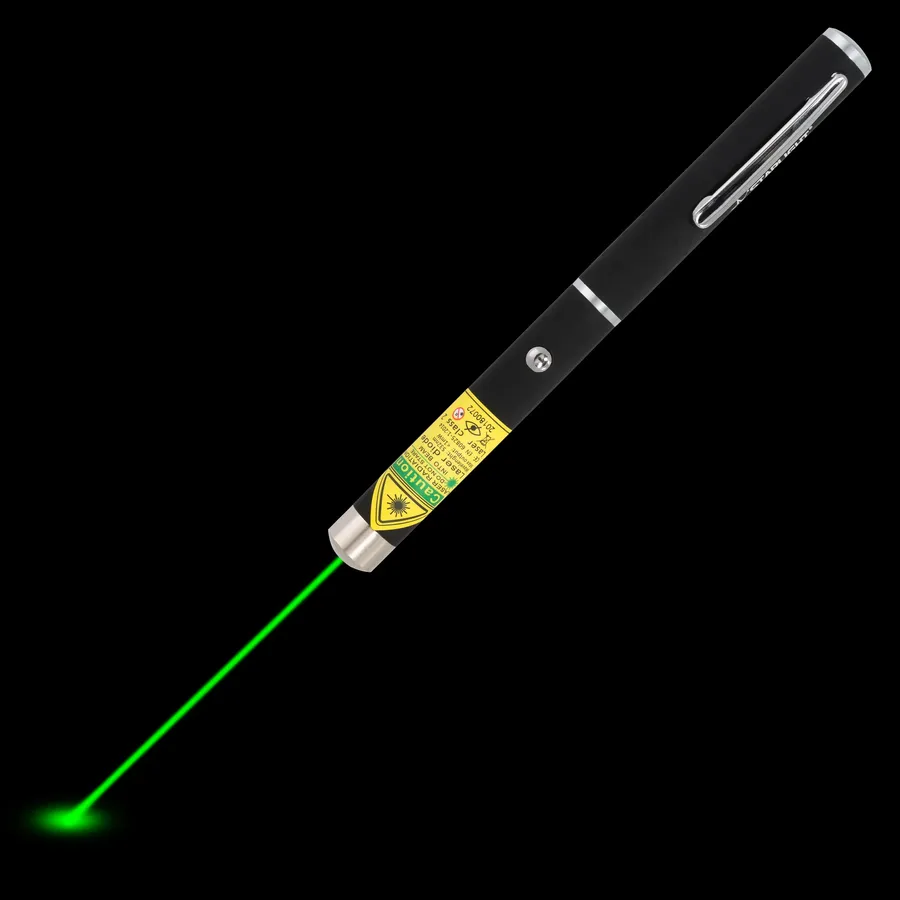
Starlight Lasers X1 green laser pen
- Green 532 nm
- 1 mW
- 2× AAA
£49.95£39.95
In stock
HalloweenUse code HALLOWEEN5 for 5% off, valid until 31 October.
A good laser pen makes a presentation easier to follow: your audience looks where you point, and you stay with them instead of turning to the screen. Here is how to choose one, and how to use it like a pro.

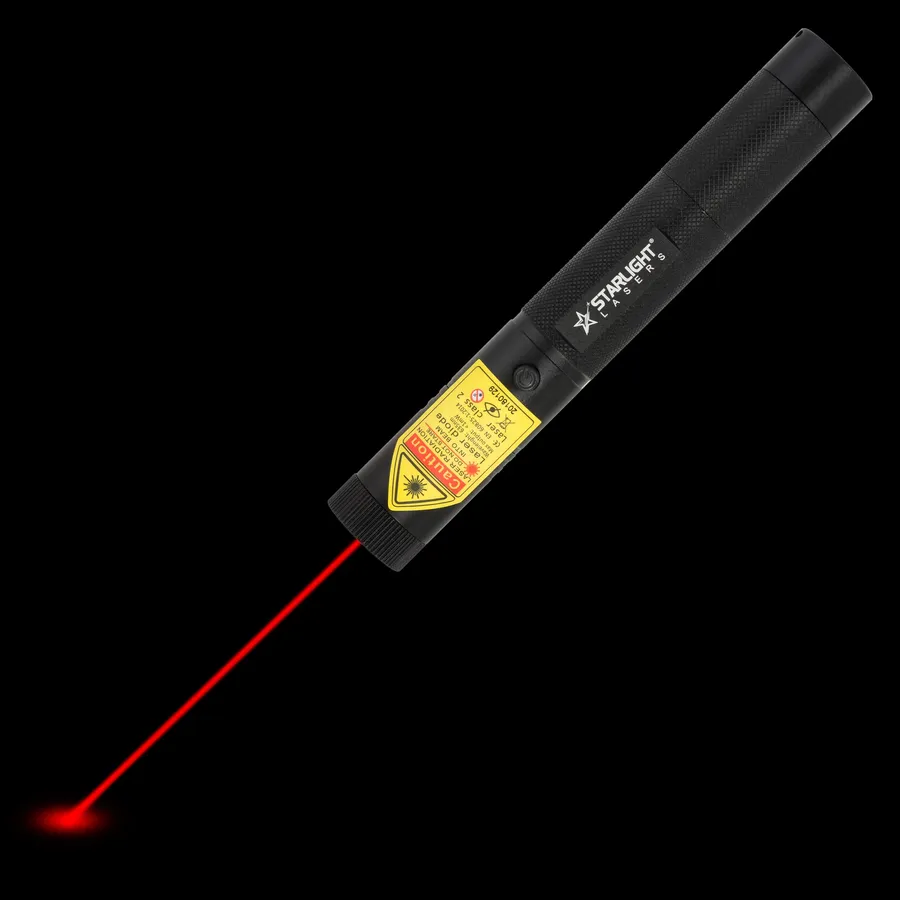
The classic red laser pen – for the cat, the classroom and the boardroom
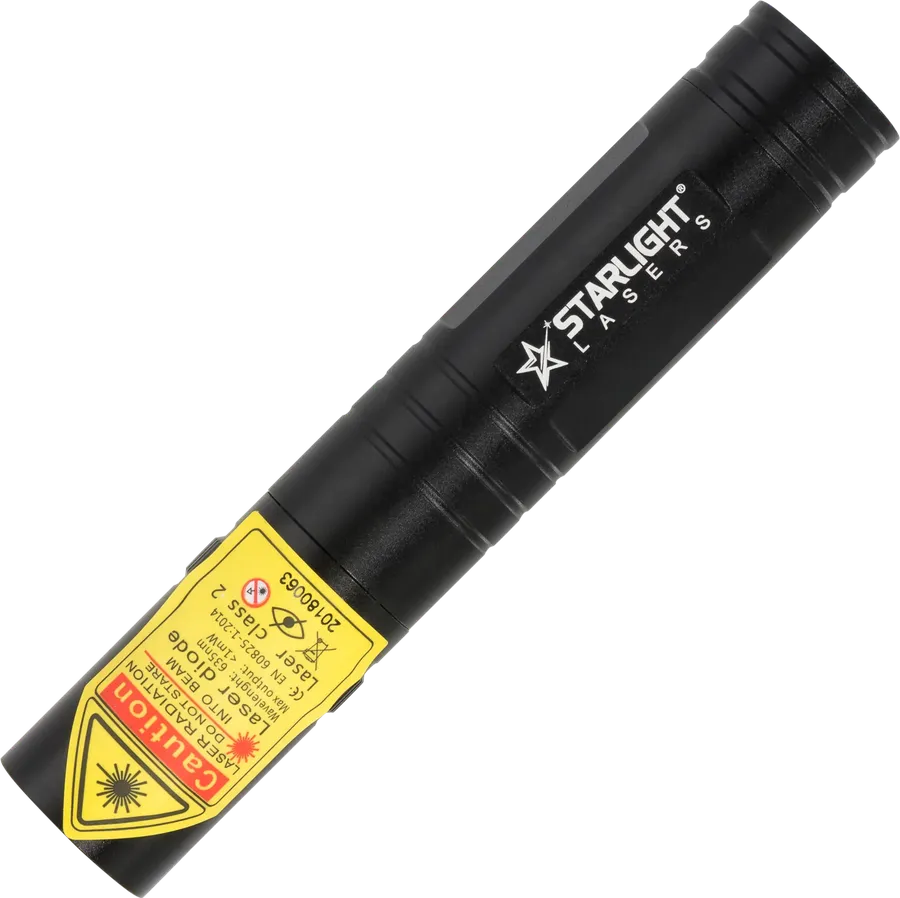
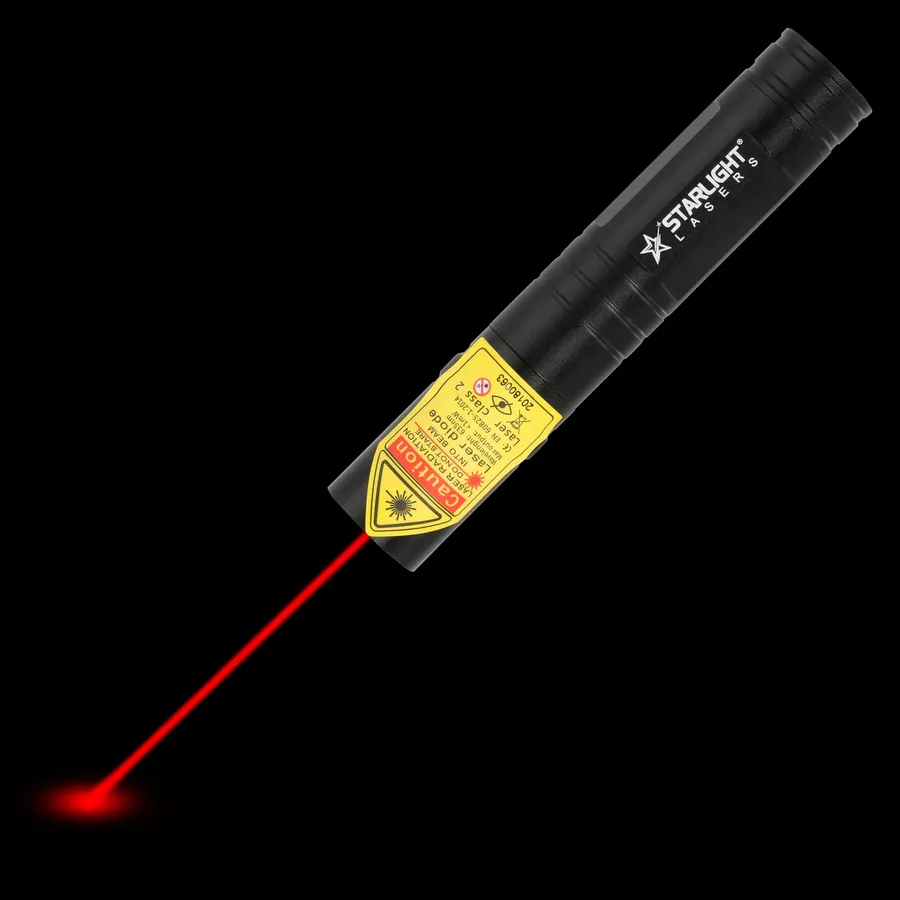
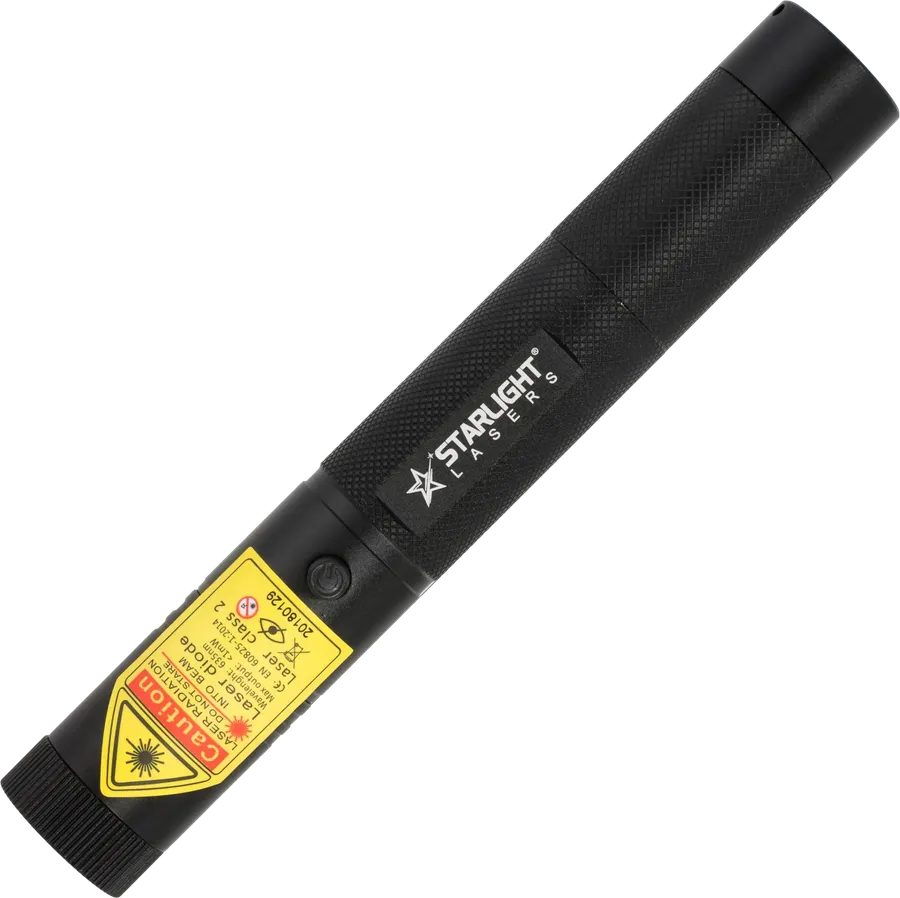


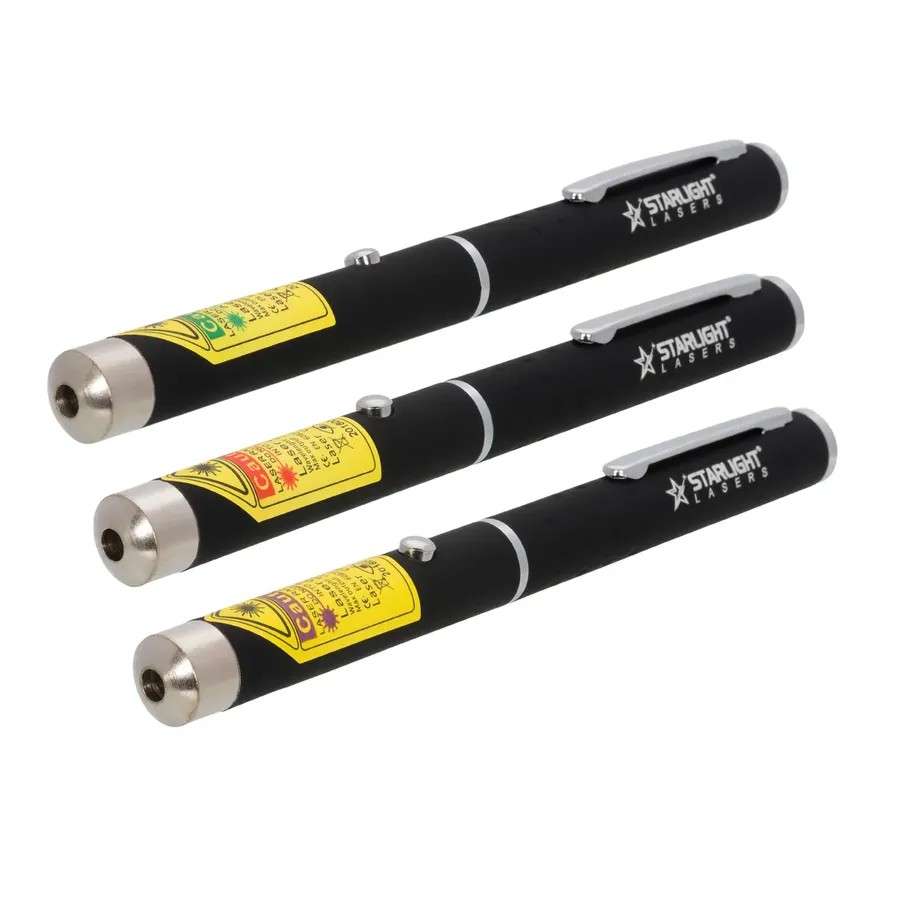
Three laser pens, three colours – the perfect gift set
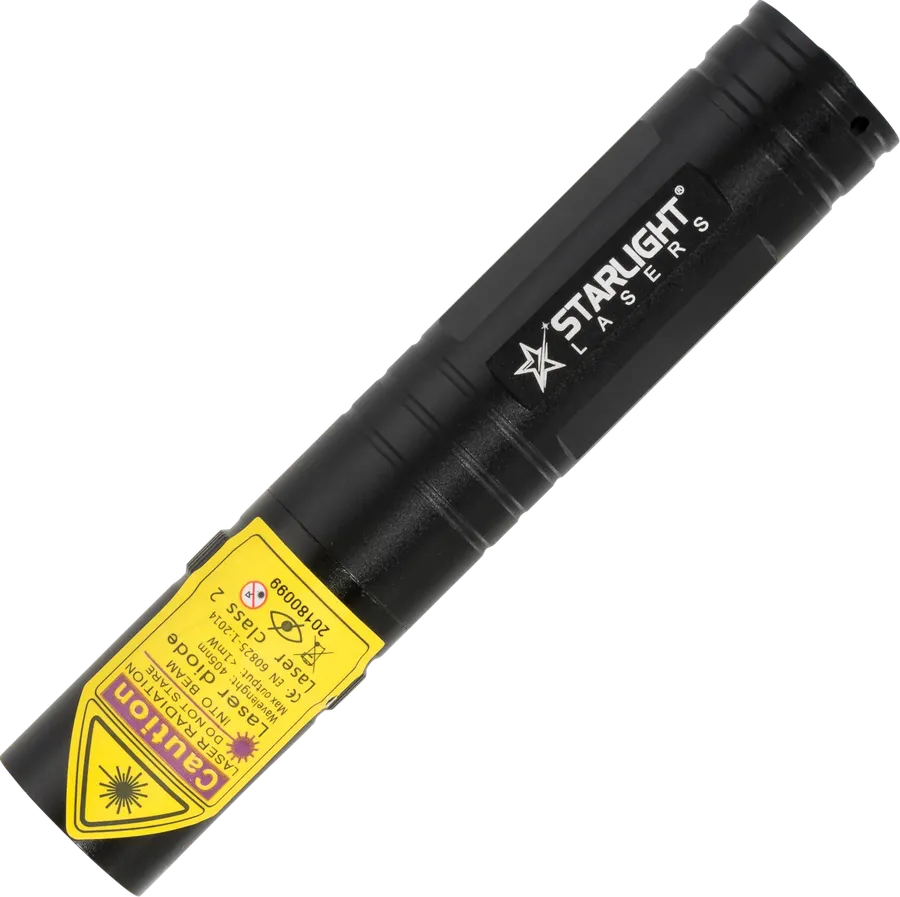
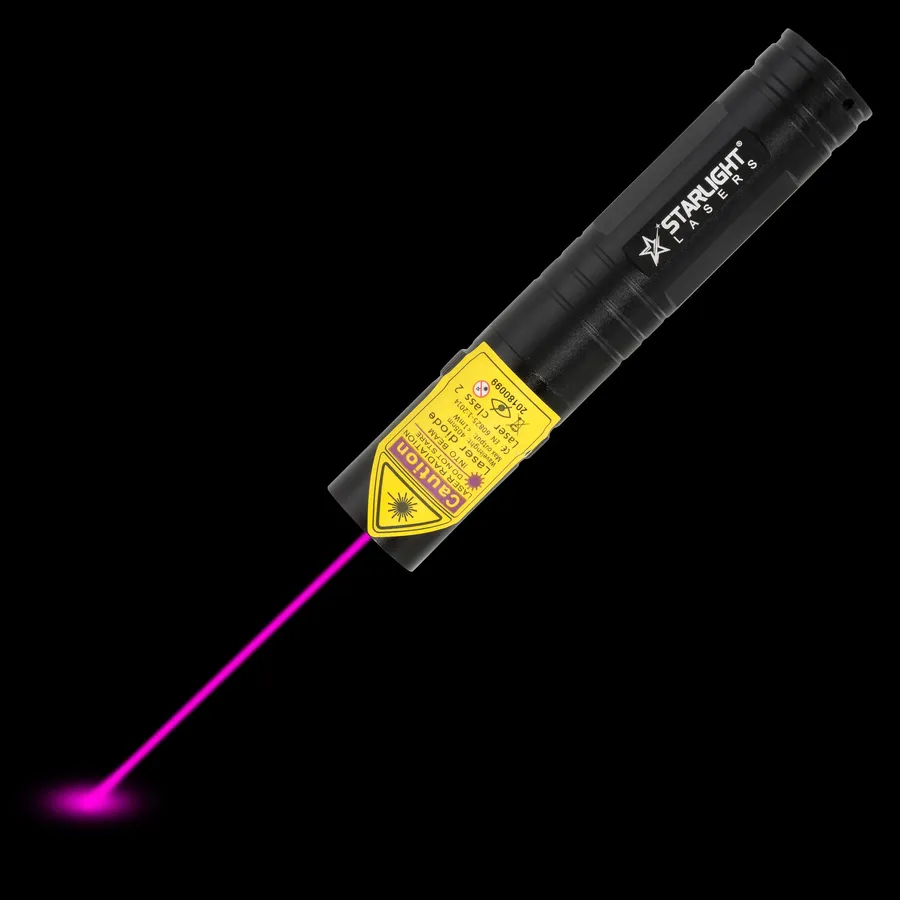
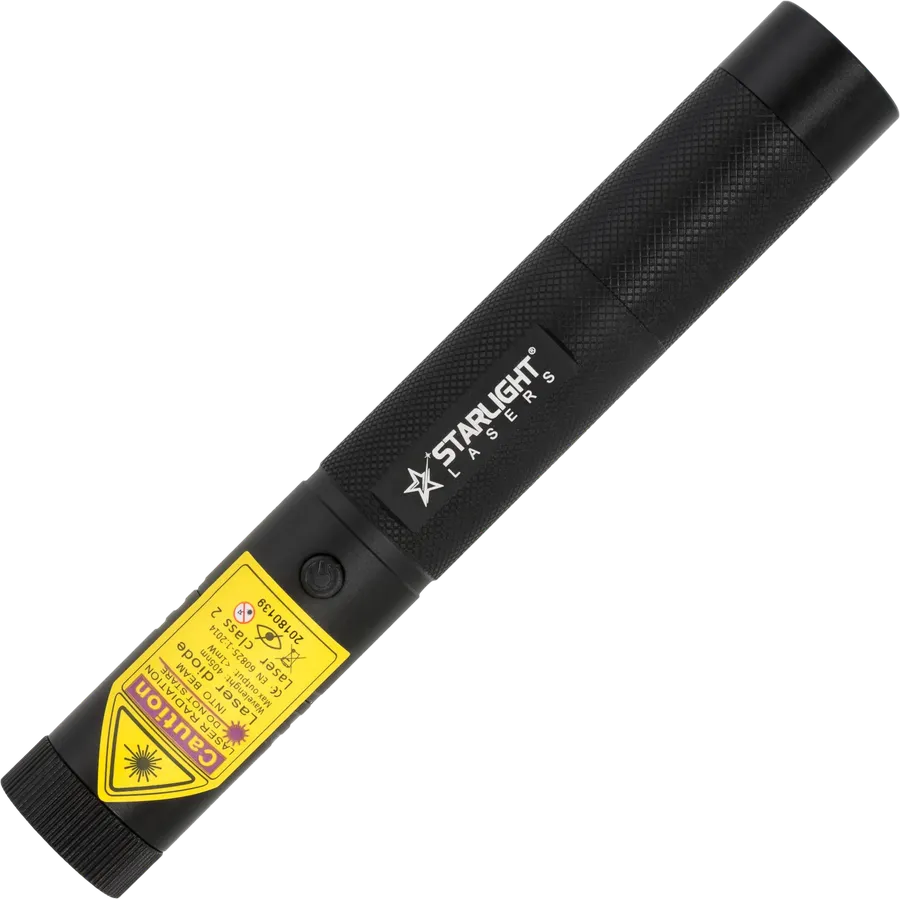
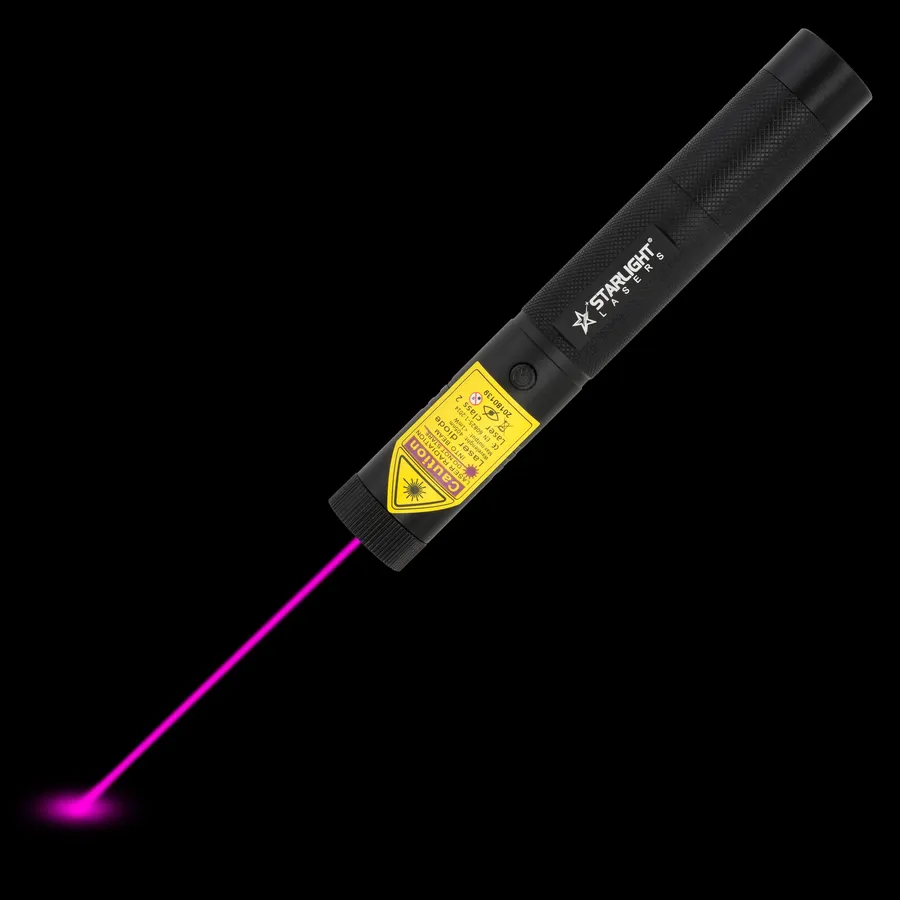

Three rechargeable Pro lasers in green, red and violet
Forget about range and power. In a meeting room or lecture theatre, the distance from you to the screen is rarely more than 20 or 30 metres. What matters is a clear dot, a comfortable grip and reliability – a pointer that works when you click it, every time. All our laser pens are class 2 with an output up to 1 mW, the class intended for sale to the public in the UK, so they are suitable for offices, schools and universities.
One thing to know before you buy: our lasers are pointers only. They do not have buttons to change PowerPoint or Keynote slides. If you need slide control, use your laptop, a clicker or a remote alongside the laser pen – many speakers prefer to keep the two separate anyway.
Red is the traditional choice. It is calm, familiar and clearly visible on a projection screen, whiteboard or flip chart in a normally lit room. The M1 red laser pen (650 nm) is our presenter favourite: slim, light and running on two AAA batteries.
Green looks noticeably brighter to the human eye. If your room is bright, the projector is weak, or the audience is large and far away, a green dot stands out more. The X1 green laser pen with clip is ideal.
Violet is less suitable for presentations: the dot looks softer, especially on a bright screen.
A tip for modern rooms: a laser dot is easiest to see on a projection screen or whiteboard. On large LED or LCD screens it can be harder to spot, so test it before your audience arrives.
| Model | Battery | Why presenters choose it |
|---|---|---|
| M1 red pen | 2x AAA | Slim and classic; spare AAA batteries are easy to find |
| X1 green pen | 2x AAA | Brighter dot, pocket clip |
| R2 Pro red | 16340 rechargeable | Compact, aluminium, no batteries to buy |
| R1 Pro red | 18650 rechargeable | Safety keys – good for shared classrooms |
| G2 Pro green | 16340 rechargeable | Compact green for large rooms |
If you present occasionally, a pen on AAA batteries is the most practical: keep two spare batteries in your bag and you are covered. If you teach or train every day, a rechargeable Pro saves money and waste over time. In a school, the safety keys of the R1 Pro let you leave the laser in a drawer knowing pupils cannot switch it on.
Want more? Read our guide on how to use a laser pointer in a presentation, or see the safety basics on our laser pointer safety page. Browse all red laser pens and green laser pens.
We use cookies to run the shop, measure how it is used and see which ads work. You choose what you allow. Privacy policy
AI assistant: can make mistakes. Prefer a person? Just ask.